E-commerce UI Kits
Shop designs for apps and websites: product grids, product pages, carts and checkout. 6 kits, from a free fashion UI kit to COBALT, a Figma kit with a matching Next.js storefront.
Products
Figma, Framer & Code
All-Access Pass
Regular price $149Launch price $99
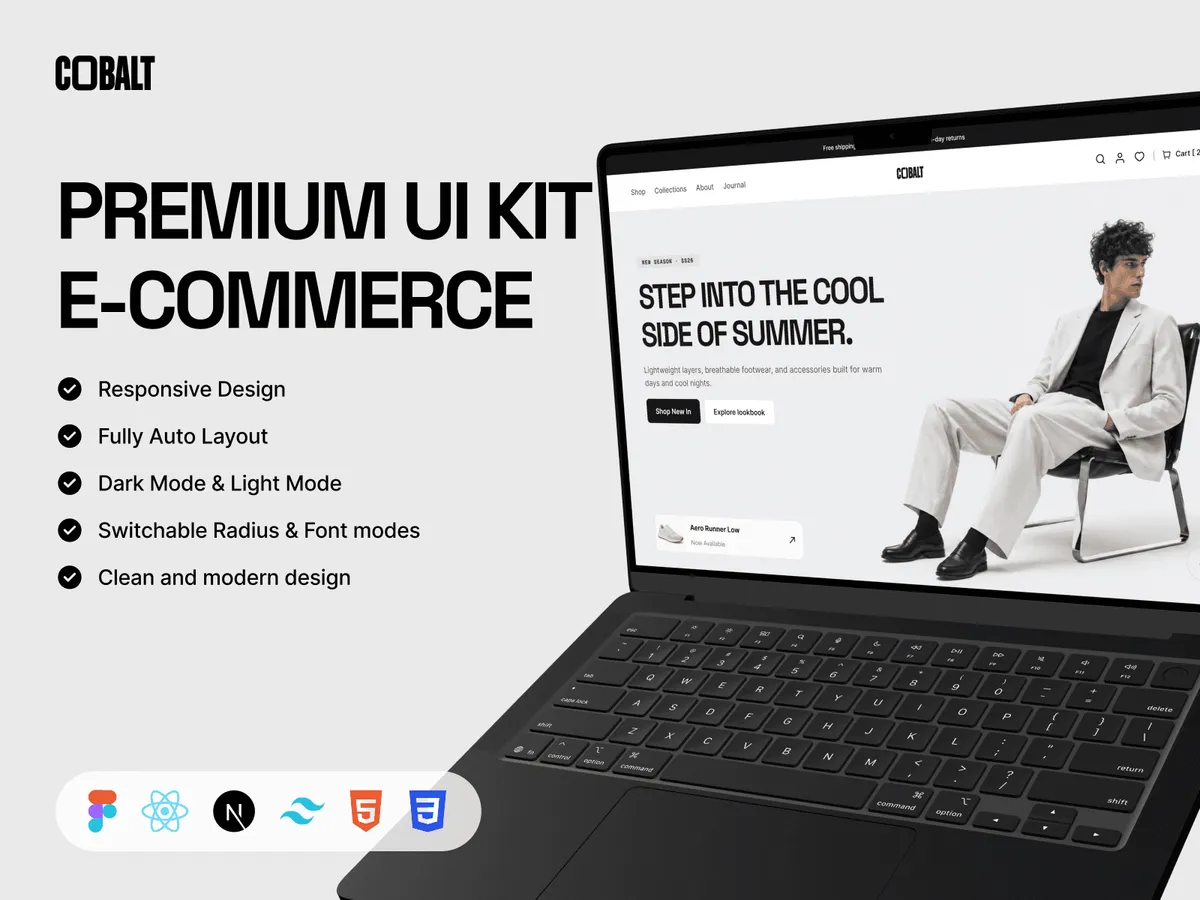
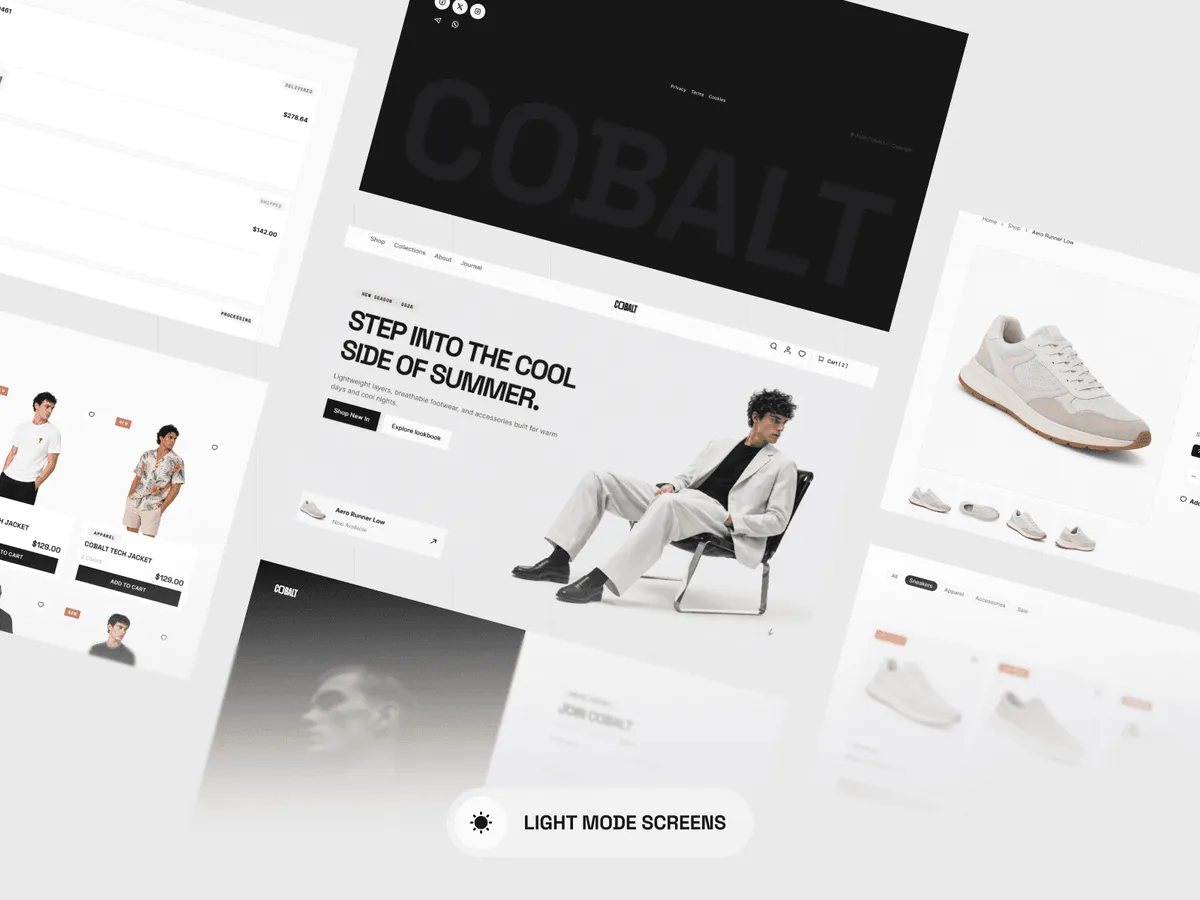
COBALT - E-commerce Template
$59.99
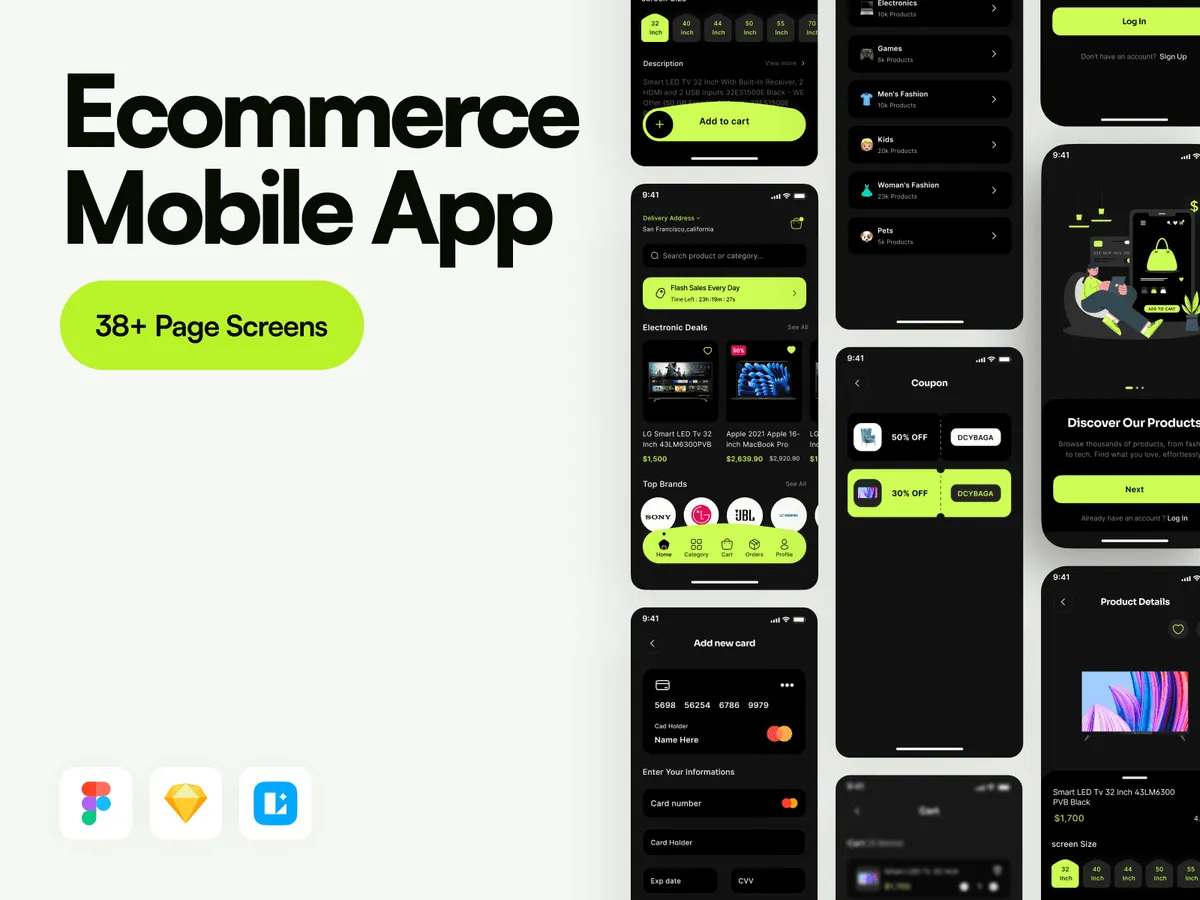
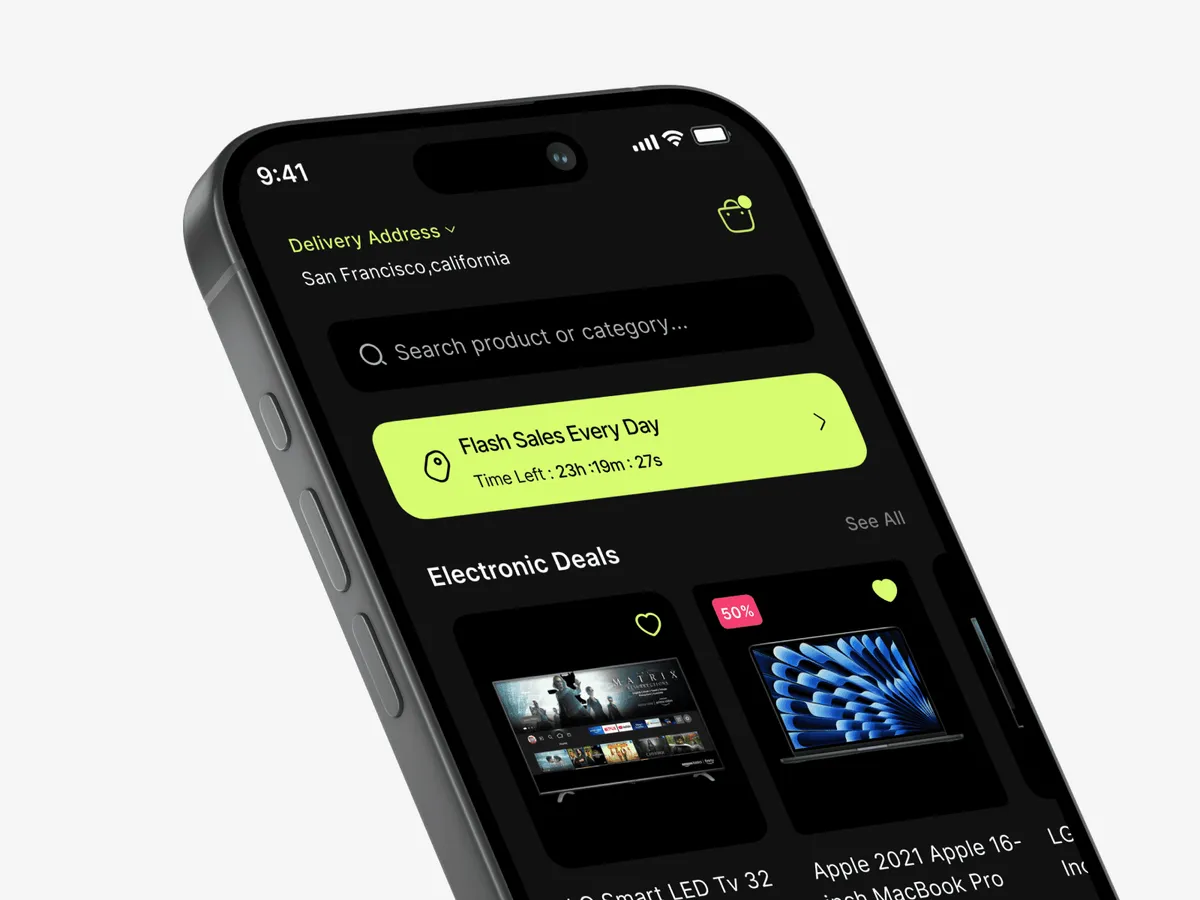
Shop Ecommerce Mobile - App UI Kit
$14.99
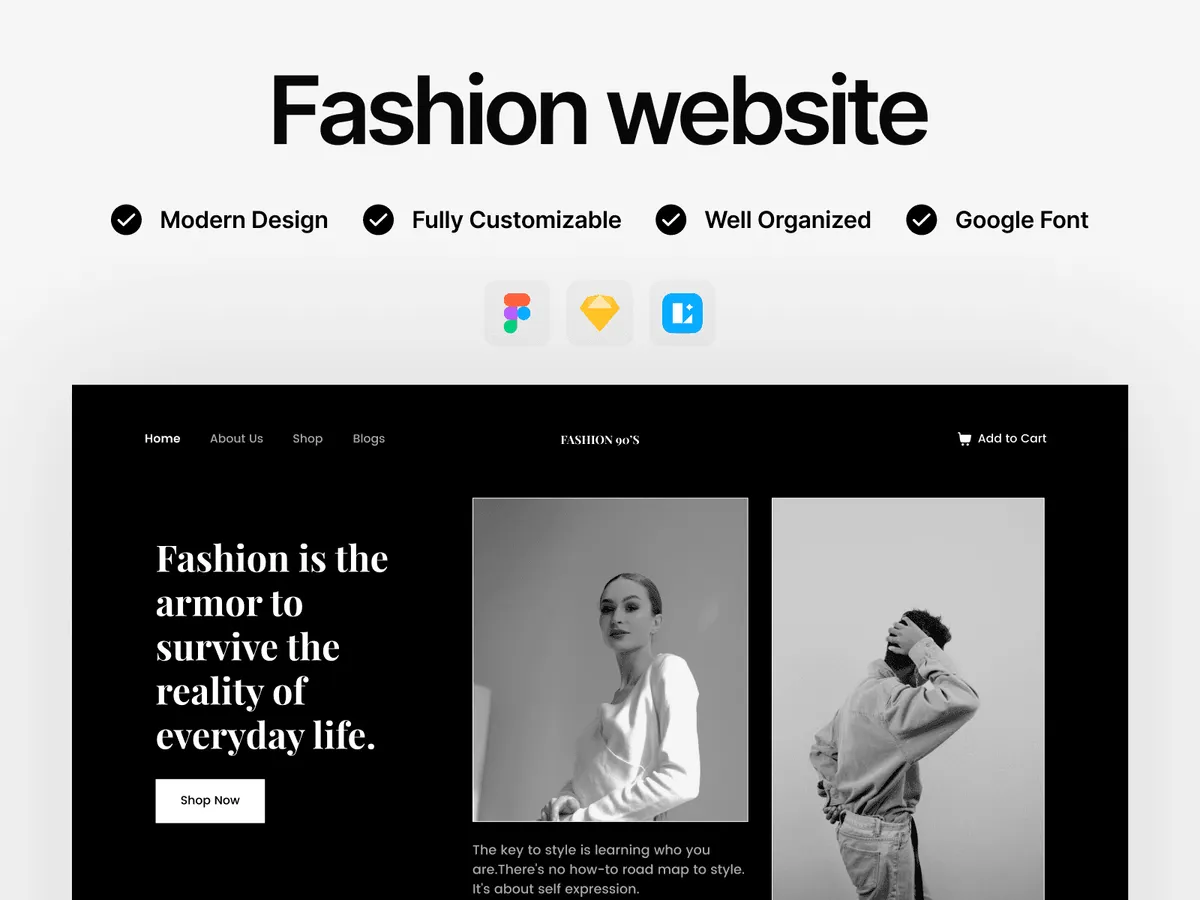
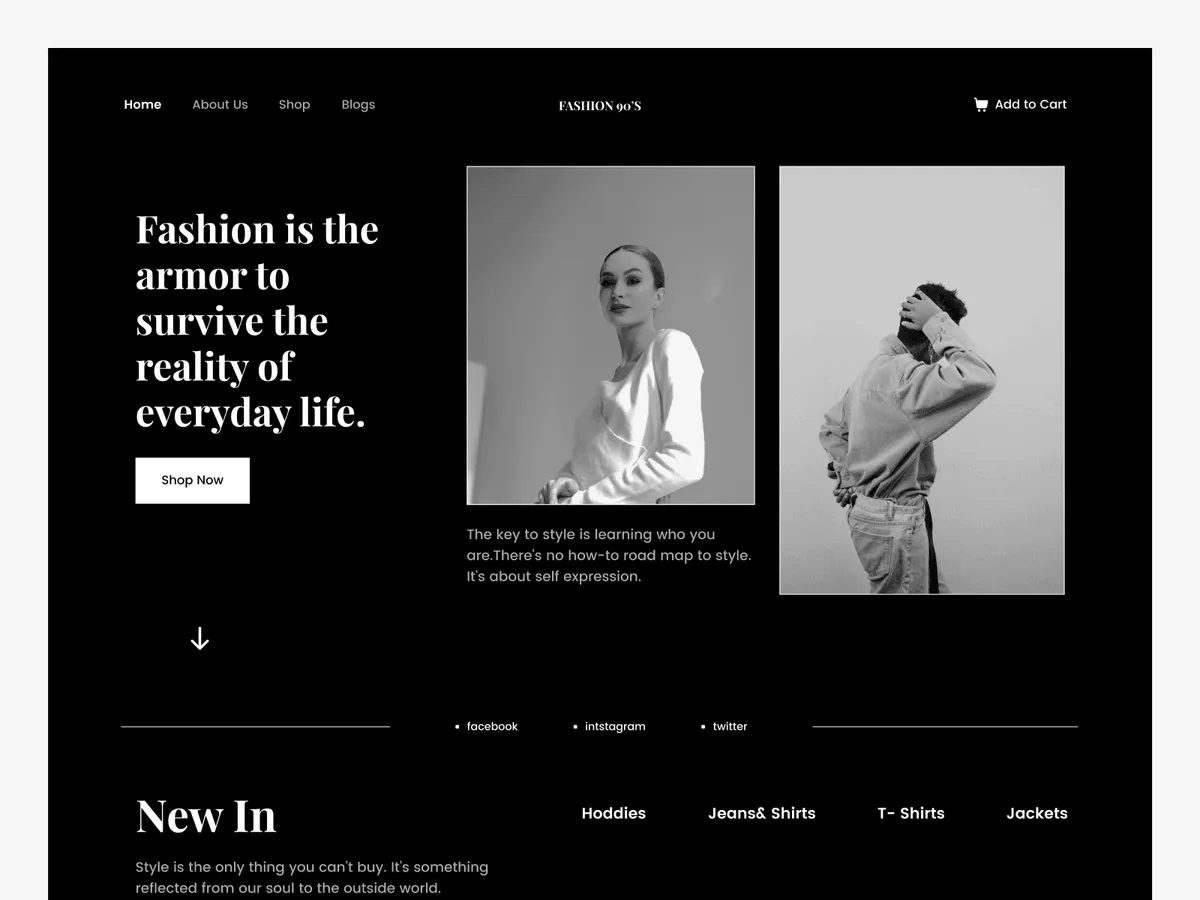
Fashion - Website Free UI Kit
Free
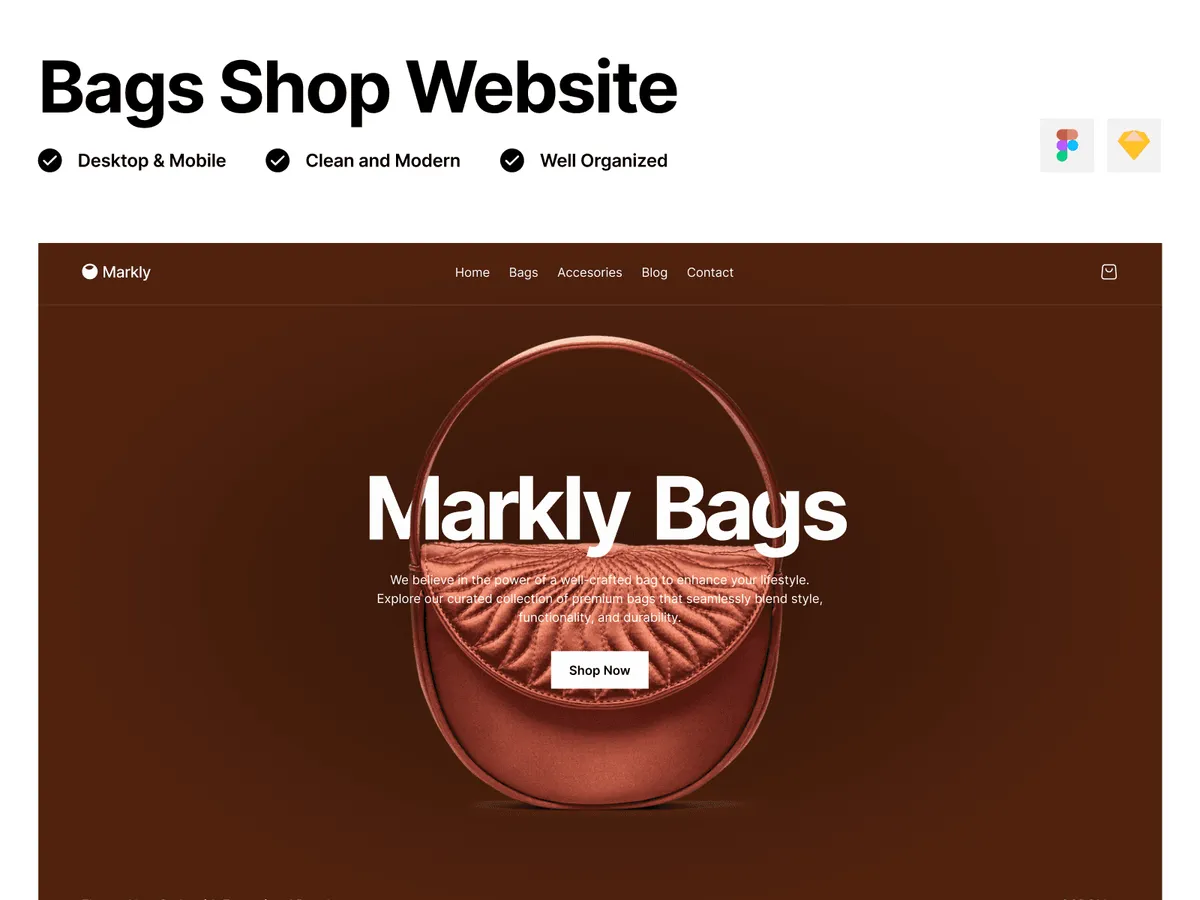
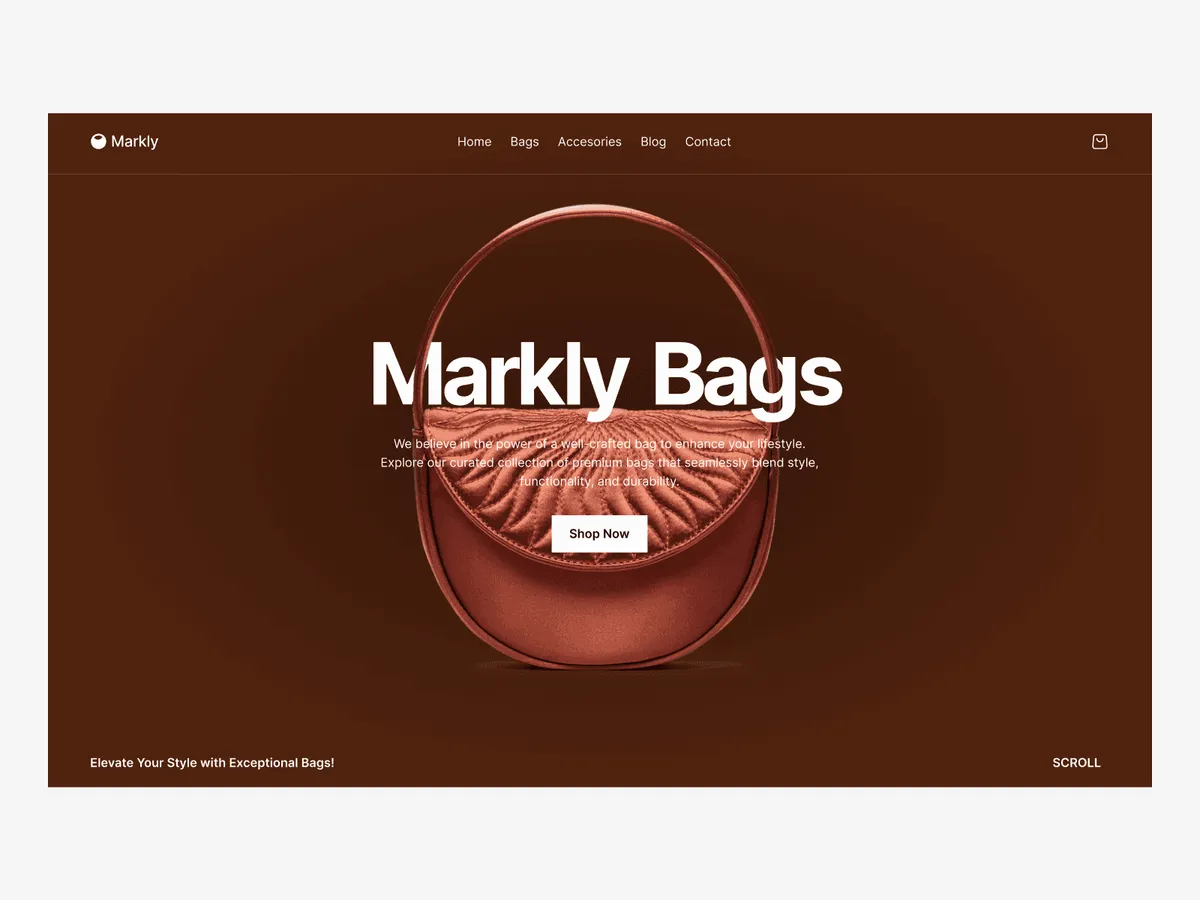
Markly Bags Shop - E-commerce Website Template
$14.99
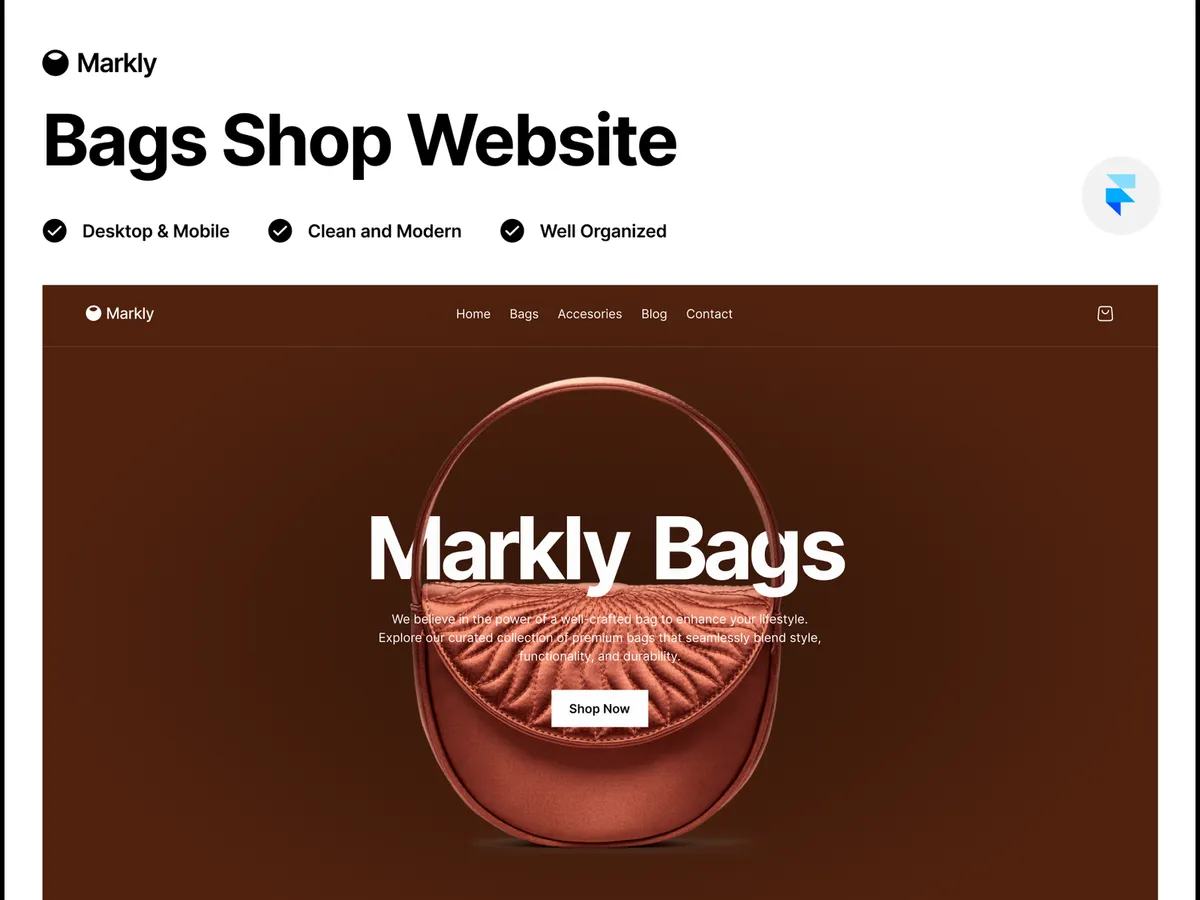
Markly Bags Shop - E-commerce Website Template (Framer)
$39
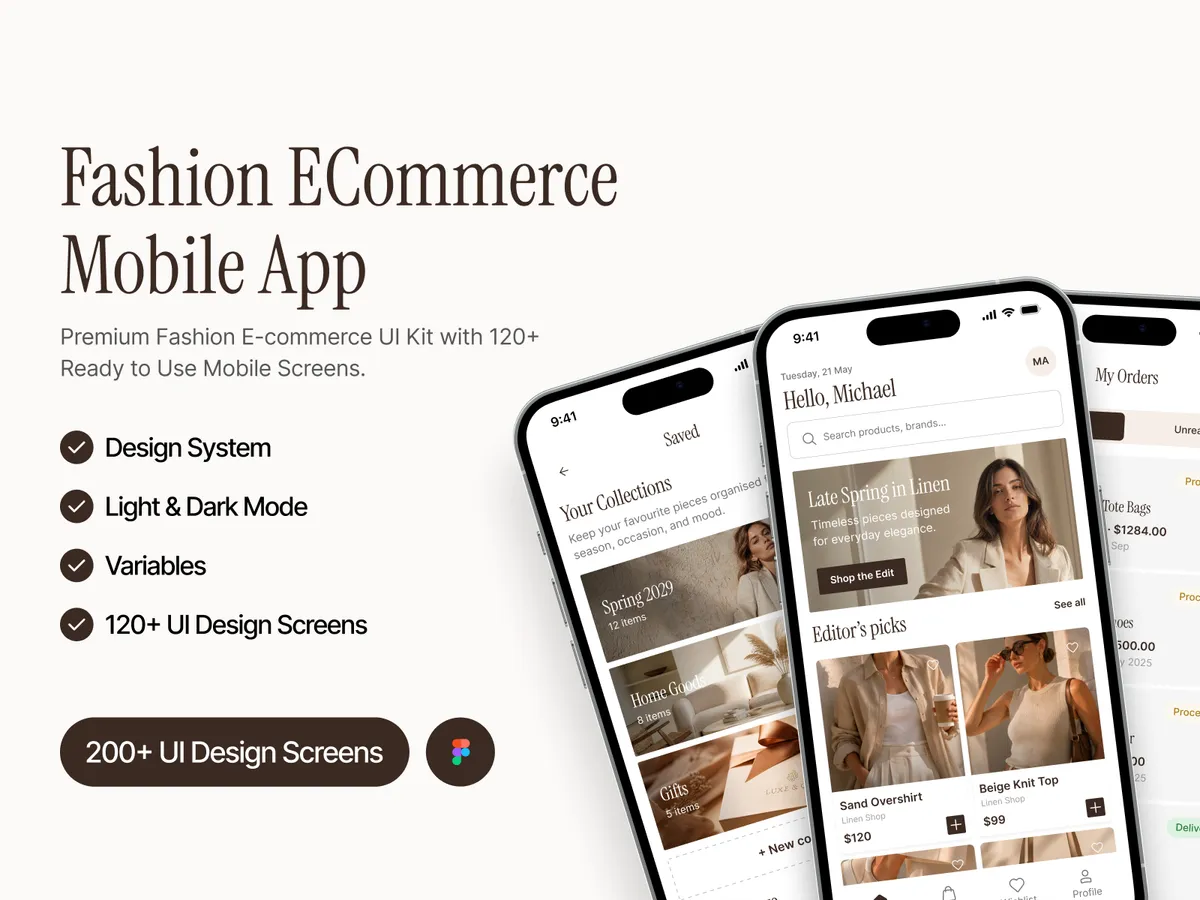
Sable - Fashion E-Commerce Mobile App UI Kit
$24.99
App or website
Sable and Shop Ecommerce Mobile are app kits for shopping on a phone. Markly and the free Fashion kit are store websites, and Markly also comes as a ready Framer site.
COBALT covers both sides of the work: a Figma design system and a production Next.js template, built from the same tokens so the design and the code stay in step.
What to check before you buy
Count the checkout steps, not the screens. A store depends on the cart, address, payment and order confirmation, so make sure the kit you pick has all four.
Each product page lists the flows its file includes, with the full gallery of screens.
Questions
Still unsure? Email us and a designer will answer.